Appearance
🖼️ Upload configuration
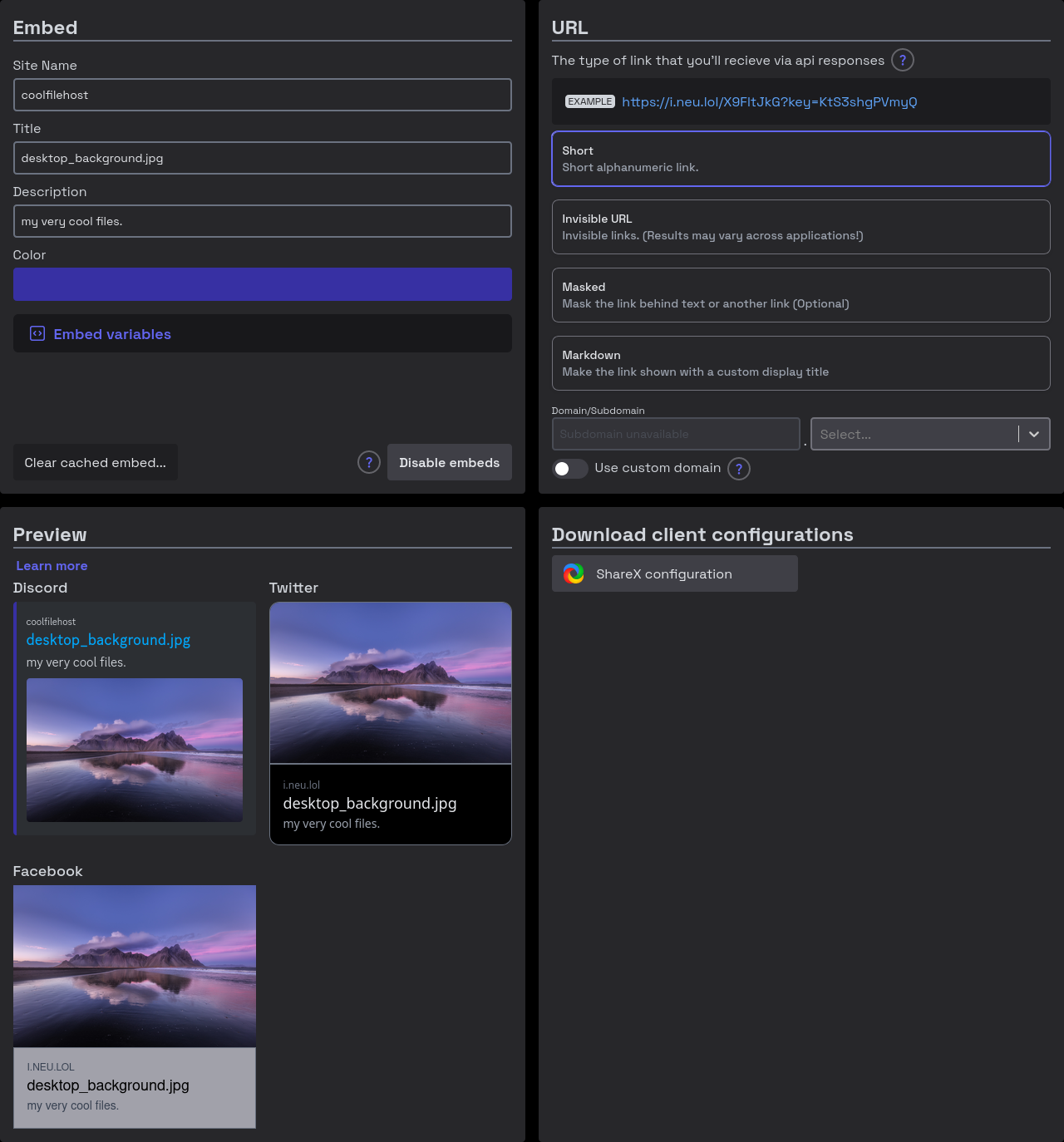
The upload configuration page allows you to set your embed and URL preferences, preview how it looks, and download client configurations.
TIP
This feature will, in an upcoming release, save the most recent upload configuration to your browser, as well as allow you to upload a configuration, so you can edit from where you left off
🔖 Embed
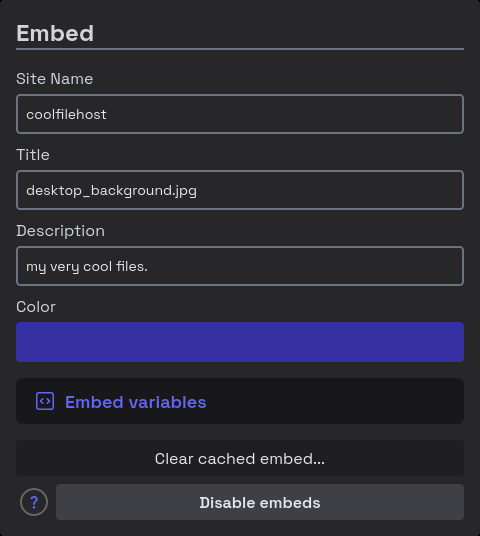
The embed configuration pane lets you set how your file will appear in various social apps. It allows you to customize:
- :material-sign-text: Site name: The embed's site name -- usually displayed in small text
- :material-text-short: Title: The embed's title -- prominently displayed on apps
- :material-text-long: Description: The embed's description -- usually displayted under the title
- :material-pound: Color: The embed's theme color -- (on Discord) displayed as a lefthand border
🌐 URL Type
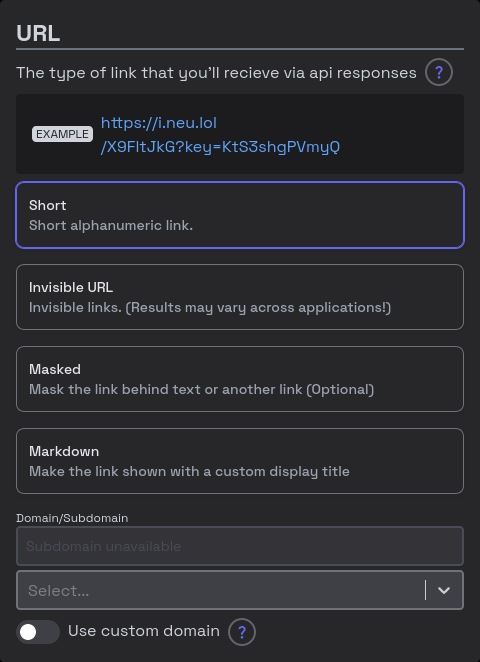
The URL type pane lets you configure how the URL returned to clients will look.
Different Types:
- Short: A short alphanumeric link (12 characters)
- Invisible: A link with an invisible path (Zero-width spaces)
- Raw: A link that when clicked, takes the viewer directly to the file
- Masked: A link that is hidden behind fake text (Read below)
Masked links
Masked links only work on Discord, due to a bug that they have with spoilers (text inside "||"'s). This works by having the text to be displayed, then the spoilers, then the hidden text, and the hidden link is resolved via Discord file embeds.
WARNING
This feature may get you banned from some communities. Use at your own risk!
👁️ Preview
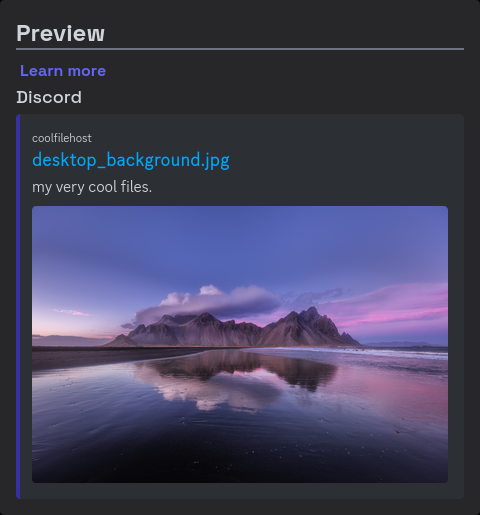
The preview pane shows how your file will look across apps.
📨 Download
The download pane lets you download configuration for custom uploader clients.